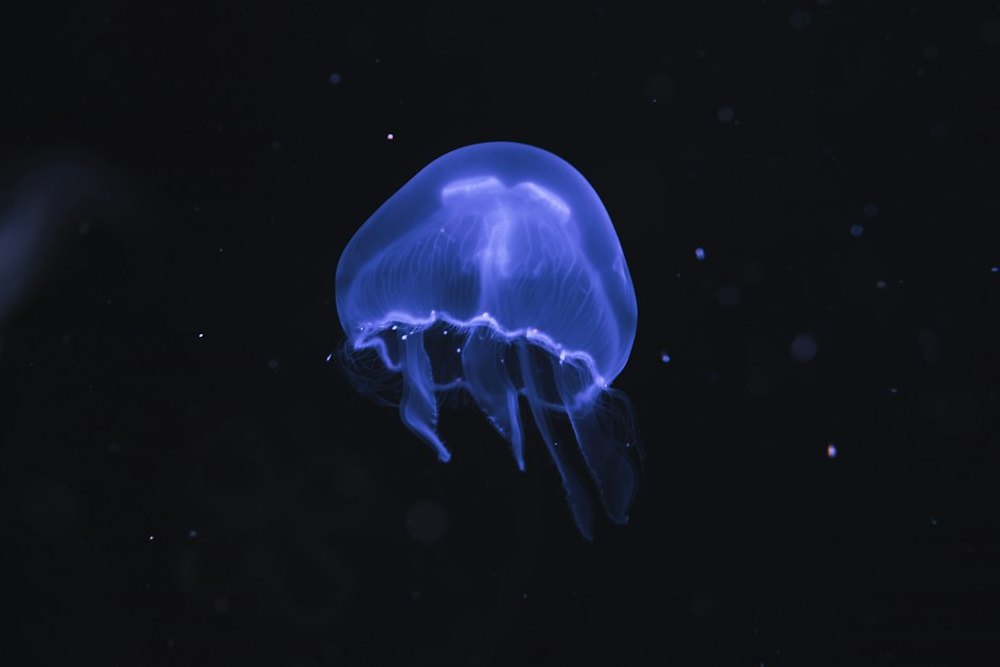
Three steps, live in your browser. Drop the photo onto the screen and watch it turn into characters.
01Drop a file
02Insert a cartridge
03Set as wallpaper
    |
    |
  \ | /
   \|/
    V
drop a file here_A video, GIF or photo. Any size.
OriginalCRT
ProjectsRecycle binnotes.txt
ascii studio is running00:00
Now your wallpaper
No file yet
CRTSlot empty
--:--waiting for a file
[..............................]
PowerPlayDesktop
Cartridge rack: unlocks once your file is converted
+--[ under the hood ]--------------------------------------------------------------------------------------------------------------------------------------------------------------------------------------------------------
brightness becomes a character
0%
.11%
:22%
-33%
=44%
+56%
*67%
#78%
%89%
@100%
01 shrink
Every frame is shrunk to a grid of cells, one per character. This photo is 140 by 56.
02 measure
Each cell's brightness picks a character from the cartridge's ramp, from a space up to @.
03 dither
A 4 by 4 pattern spreads in-between shades across neighbours, so gradients stay smooth.